
Download TT Algebra 2 – algebra 2, math tutor, homeschool, teaching textbooks, online learning, interactive lessons, offline learning, math practice, problem solving, student success, learning app, digital curriculum, math skills, math education, math mastery, algebra practice, online math, digital learning, math tools, learning tools, math learning, math app, math education app, online math learning, digital math, math learning app, math education tools, math practice tools, math learning tools for students, math learning tools for homeschoolers
Overview
TT Algebra 2 is a mobile learning application designed to support the Teaching Textbooks Algebra 2 curriculum, offering students a structured and engaging way to master advanced algebra concepts. The app is specifically tailored to meet the needs of homeschooling families, providing a flexible and independent learning environment that supports consistent academic progress. By delivering full access to course materials, including lessons, exercises, and supplementary resources, TT Algebra 2 enables students to study at their own pace, reinforcing key mathematical principles through repetition and guided practice. The app's primary purpose is to enhance accessibility and continuity in math education, particularly in settings where traditional classroom instruction is not available or practical.
Designed for students in high school or those preparing for college-level math, TT Algebra 2 serves as a digital companion to a comprehensive curriculum. It is especially valuable in mobile or variable learning environments, such as travel, family outings, or remote locations with limited internet access. The app’s ability to function offline for up to six lessons at a time ensures that learning is not disrupted by connectivity issues. This makes it a reliable tool for maintaining academic momentum. While the developer did not provide additional technical details about the app’s underlying architecture or integration with other platforms, the focus remains on delivering a seamless, student-centered educational experience.
Key Features & Functionality
- Comprehensive Course Access: The app provides full access to all Teaching Textbooks Algebra 2 course materials, including detailed lessons, interactive exercises, and supplementary resources. This ensures students have everything needed to complete the curriculum without requiring external materials.
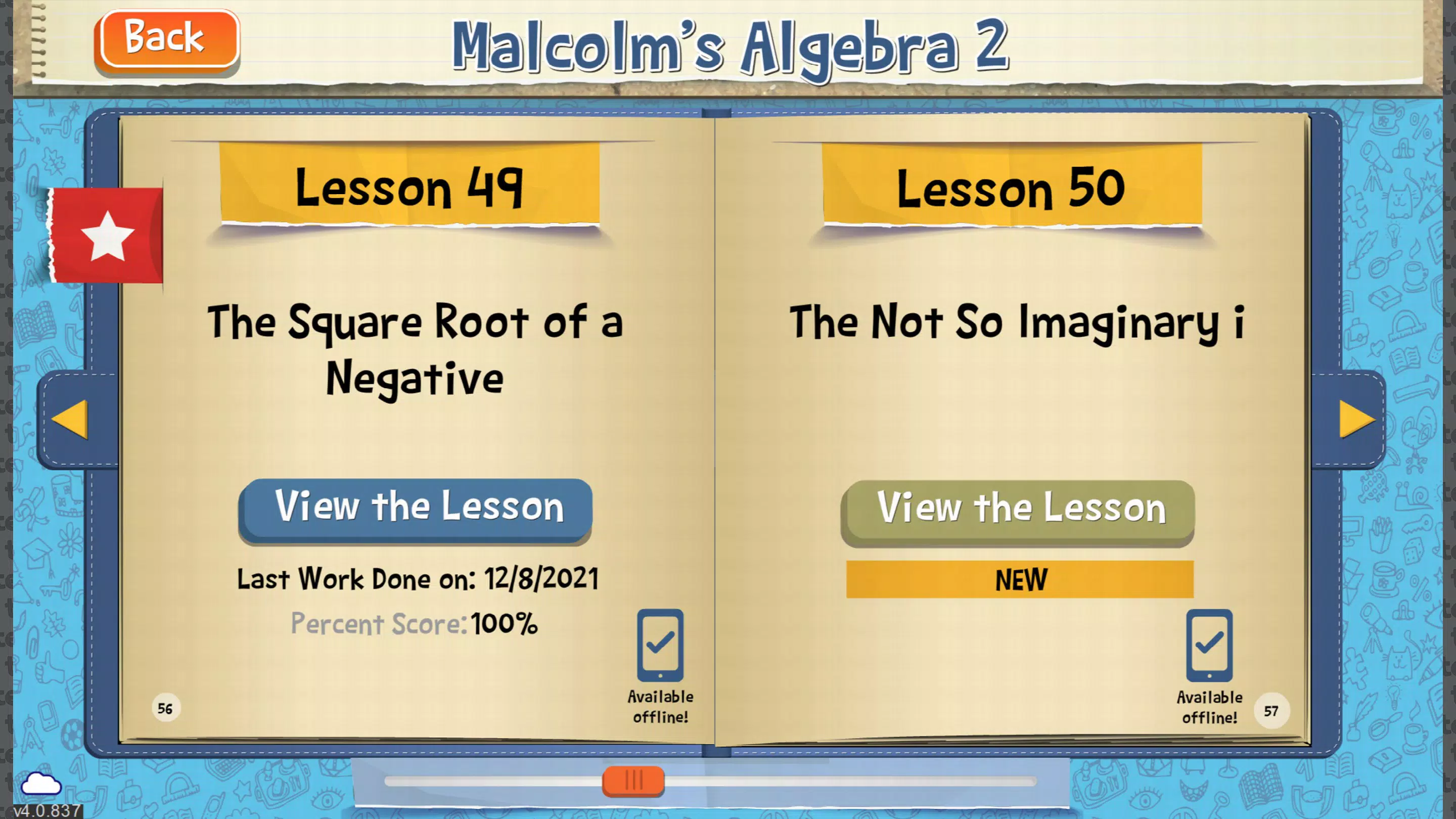
- Offline Learning Capability: Students can download up to six lessons at a time for offline use, enabling uninterrupted study during commutes, travel, or in areas with weak connectivity. This feature supports consistent learning habits regardless of location.
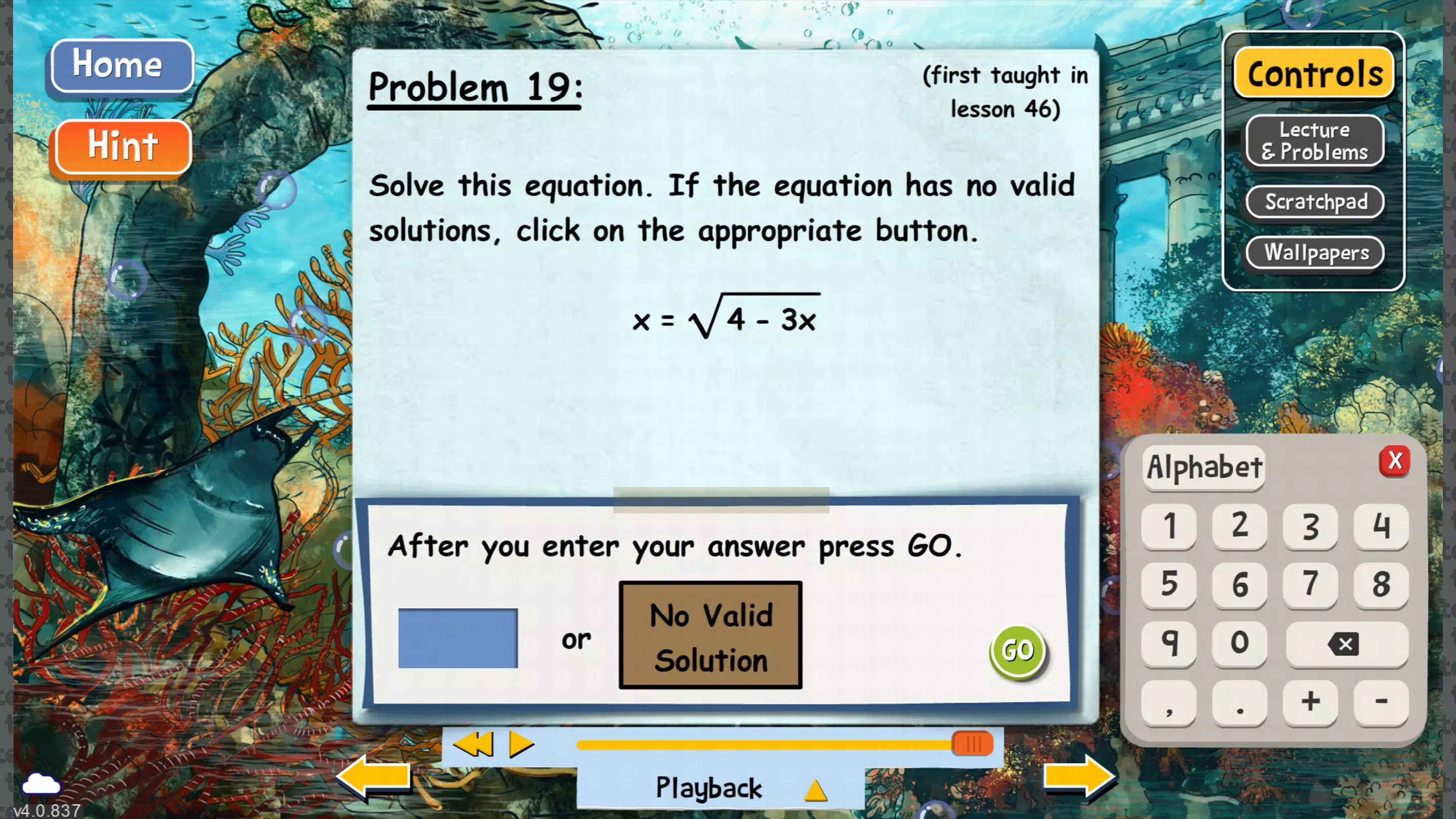
- Independent Learning Environment: The app is built to empower students to work through algebra topics autonomously. With immediate feedback and step-by-step guidance, learners develop confidence and self-reliance in solving complex problems.
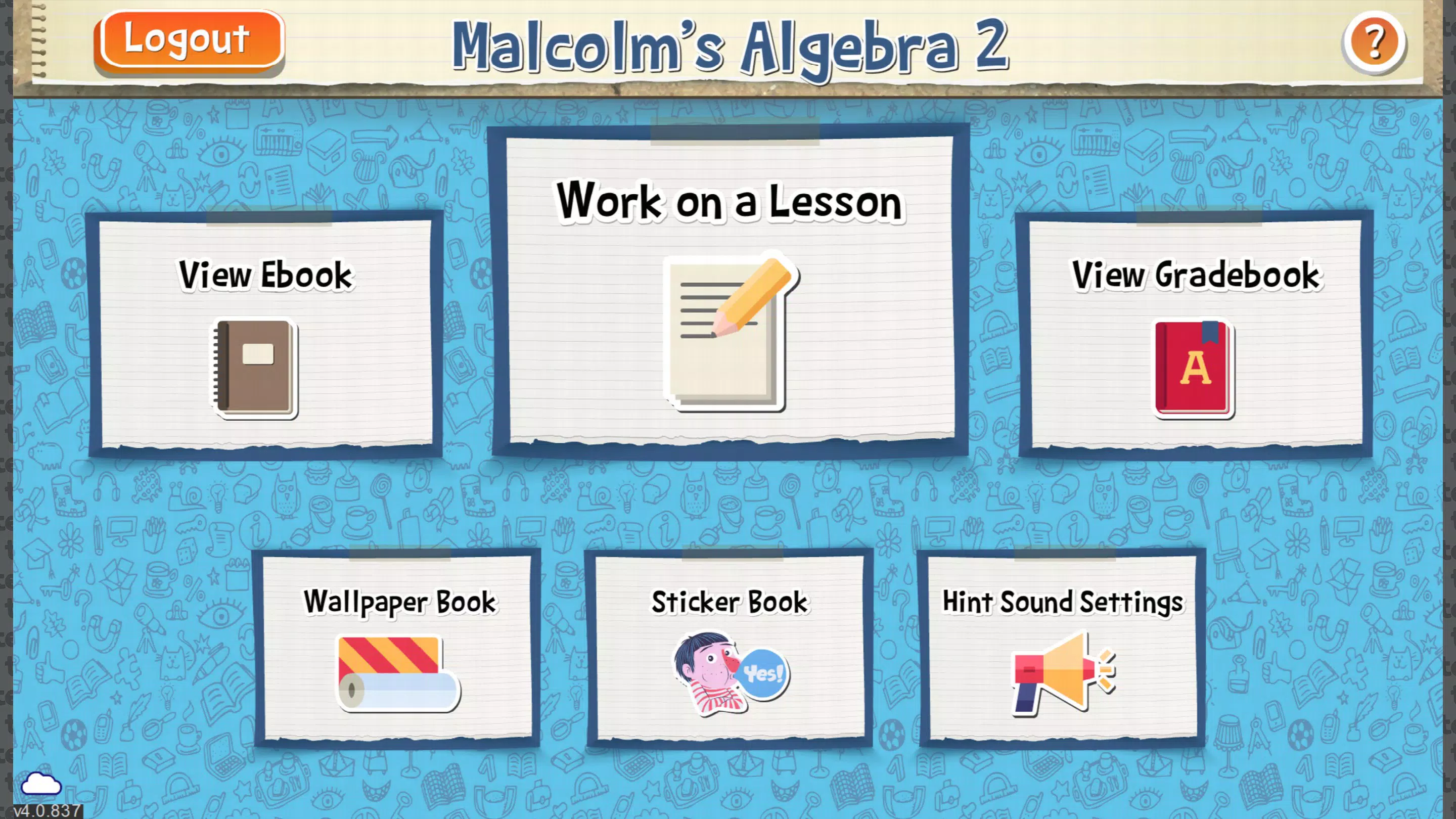
- User-Friendly Interface: Designed with clarity and simplicity in mind, the interface allows students to navigate between lessons, exercises, and progress tracking with minimal friction. The clean layout reduces cognitive load and keeps focus on the material.
- Structured for Homeschooling: The app supports structured learning schedules, making it ideal for homeschool families who need a reliable, curriculum-aligned tool. Parents can monitor progress and ensure students stay on track without constant supervision.
For example, a student traveling with their family can download a week’s worth of lessons before departure and continue working through problems on a tablet during a long drive. Similarly, a homeschooling parent can assign daily modules and track completion through the app’s built-in progress system. These real-world applications highlight how the app integrates into everyday life while maintaining academic rigor.
Interface, UX & Performance
The user interface of TT Algebra 2 is designed with student usability in mind, featuring a clean, intuitive layout that prioritizes content over clutter. Navigation is straightforward, with clearly labeled sections for lessons, practice problems, and progress tracking. The visual design emphasizes readability, using consistent typography and color coding to distinguish between different types of content, such as instructions, solutions, and feedback.
Although the developer did not list formal performance metrics, the app appears optimized for smooth interaction across a range of Windows devices. Users can expect responsive transitions between screens and quick loading times for downloaded content. Stability during extended use has not been reported as an issue, suggesting reliable operation during long study sessions. The app maintains performance even when multiple lessons are cached for offline use, indicating efficient memory and storage management.
For users with varying device capabilities, the app adapts to different screen sizes and resolutions, ensuring a consistent experience whether using a tablet or a desktop. While specific requirements were not listed, the app’s ability to function offline suggests it is built to operate efficiently on devices with moderate processing power and storage capacity. Overall, the UX supports focused learning with minimal distractions, aligning with best practices in educational app design.
Platform Compatibility & Technical Requirements
TT Algebra 2 is available exclusively on the Windows platform, making it compatible with Windows-based devices such as tablets, laptops, and desktop computers. The app requires a minimum of 2.0 GB of storage space, which aligns with the provided file size. The current software version is 2.0.0, released on May 10, 2022.
Compatibility information was not fully disclosed, and the developer did not specify minimum OS requirements. This means users should verify system compatibility before installation, particularly if using older Windows versions. The app does not appear to be available on Android or iOS, limiting access to Windows users only. The file size of 2.0 GB reflects the inclusion of multimedia content, interactive elements, and downloadable lessons, which contribute to the app’s rich learning experience.
Pros and Cons
Pros
- Full access to Teaching Textbooks Algebra 2 curriculum
- Offline functionality for up to six lessons
- Designed for independent, self-paced learning
- Intuitive interface tailored for students
- Excellent support for homeschooling environments
Cons
- Available only on Windows, limiting cross-platform access
- No information on minimum OS or device specifications
- High price point of $129.99 may be a barrier for some families
- Not available for Android or iOS users
- Limited availability of updates or new content beyond the original release
FAQ
Is TT Algebra 2 available for iOS or Android?
Currently, TT Algebra 2 is only available on the Windows platform. There is no official version for iOS or Android devices.
Can I use TT Algebra 2 without an internet connection?
Yes, the app allows students to download up to six lessons for offline use, enabling uninterrupted study during travel or in areas with limited connectivity.
What is the cost of TT Algebra 2?
The app is priced at $129.99, which reflects the full access to the Teaching Textbooks Algebra 2 curriculum and associated resources.
Is the app suitable for homeschooling families?
Yes, TT Algebra 2 is specifically designed for homeschooling environments, offering structured lessons and tools to support independent learning and parental oversight.
How often is TT Algebra 2 updated?
The latest version is 2.0.0, released on May 10, 2022. The developer has not provided information on future update schedules or new content releases.
Final Thoughts
TT Algebra 2 stands out as a focused, curriculum-driven tool that brings the Teaching Textbooks Algebra 2 course into a mobile-friendly format. Its ability to function offline, combined with a clean interface and strong support for independent learning, makes it a valuable asset for homeschooling families and students seeking structured math education. While the high price and platform exclusivity may limit accessibility, the app delivers on its promise of comprehensive, portable learning. For students who thrive in self-directed environments and families committed to consistent academic development, TT Algebra 2 offers a reliable path to math mastery.
Download TT Algebra 2 now


